A Webflow site becomes more effective when visitors get fast, accurate support. YourGPT lets you automate those interactions so users receive answers without delays or human involvement. The system handles routine questions and guides people through key actions with clear responses.
The integration also collects lead information in real time and reduces manual workload. Your site feels more responsive, supports conversions, and keeps your team focused on work that needs human attention.
What is Customer Support Automation on Webflow
Customer Support Automation means using software to handle routine customer queries, support tasks, and lead interactions without a human always involved. On a Webflow site, implementing Customer Support Automation lets your site answer visitor questions, collect leads, guide users, and escalate to a human when needed, all automatically.
When you combine Webflow with YourGPT Chatbot through a proper integration, you build a self-serving support system that works around the clock.
That automation reduces repetitive work, speeds up responses, and improves visitor experience. Many business owners using Webflow find Customer Support Automation essential.
What is YourGPT Integration to Webflow
YourGPT Integration to Webflow means connecting YourGPT Chatbot with your Webflow site in a way that the chatbot appears and works seamlessly for your users. This integration can be done via a marketplace app, by embedding a widget script, or via automation platforms such as Zapier or direct APIs.
With this integration, you get:
A no-code chatbot builder to build conversational flows via drag-and-drop.
A knowledge base trained on your Webflow pages, uploaded documents, or other sources, so chatbot answers match your business content.
Appearance customization so the chatbot matches your site’s design and brand.
Multilingual support across 100+ languages.
Live human handoff when the bot cannot answer, blending automation with human support as needed.
Integration via APIs or no-code tools for flexible workflows (lead capture, order support, customer inquiries, etc.).
That’s what YourGPT Integration to Webflow delivers. It’s not a half-baked chatbot but a full-featured support engine.
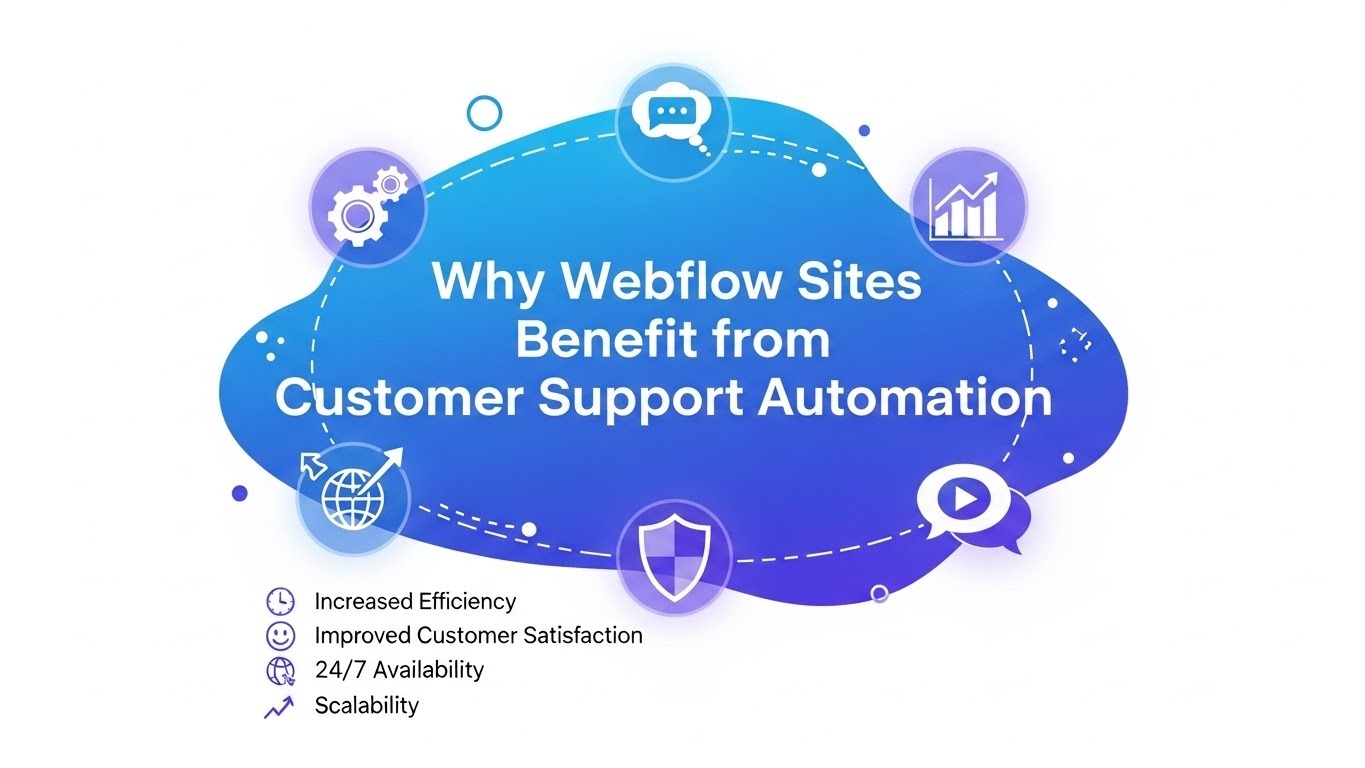
Why Webflow Sites Benefit from Customer Support Automation
If you build a site with Webflow, adding Customer Support Automation through YourGPT yields several concrete benefits.
24/7 Support without extra staff
Visitors to your site might arrive at any time. With Customer Support Automation, your website stays ready. YourGPT handles questions at night or on weekends without requiring team members to monitor. That ensures users always get timely responses.
Faster response to common questions
Common support queries tend to repeat: shipping info, pricing, product details, FAQs. With a trained chatbot, those get instant answers. That reduces response wait time, improves user experience, and reduces load on human support.
Lead capture and qualification
YourGPT doesn’t just answer questions. It can run conversational flows that gather visitor info (email, needs, preferences), qualify leads, and pass high-value leads to sales staff when needed. That turns casual visitors into potential customers.
Consistent brand messaging
Because you can customize the chatbot’s tone, style, and appearance, every visitor experiences a consistent brand voice. That consistency builds trust.
Multilingual support for global reach
If your audience spans languages, the bot’s support for 100+ languages ensures visitors get help in their native language. That broadens your reach and supports international users.
Handles scalable traffic without proportional support costs
As your site gets traffic spikes, manual support becomes costly. Customer Support Automation scales with demand automatically. You don’t need to hire more support agents just because more people visit.
Smooth escalation to human help when needed
When queries go beyond FAQs or require human empathy, YourGPT can escalate to human agents. That balances speed and quality.
These advantages make Customer Support Automation a practical necessity for serious Webflow sites.
How to Implement YourGPT Integration to Webflow
YourGPT Integration to Webflow offers several methods depending on your needs and technical comfort. Here are the main approaches.
Use the Webflow Marketplace app
Install the YourGPT Chatbot app from Webflow Marketplace. With one click authorization, select your Webflow project, and the chatbot appears on your live site. No coding needed.
The app includes a drag-and-drop flow builder, knowledge base ingestion, customization of appearance, and lead-capture forms.
That method suits those who prefer no technical overhead and want a fast deployment.
Embed the widget via script
If you prefer more control, get the widget script from the YourGPT dashboard. Paste it into Webflow’s custom code (site-wide or page-specific). Publish the site, and the chatbot loads.
The script embeds asynchronously, so it doesn’t block your site rendering. Good practice: embed it in the footer so the main content loads first.
This method suits teams comfortable with basic code embedding but not full development.
Use no-code automation platforms like Zapier or viaSocket
If you want to link YourGPT workflows with events on your Webflow site (like form submission, new order, or site events), use automation platforms. For example, when a new form is submitted on Webflow, Zapier can trigger a message in YourGPT.
viaSocket or Zapier allows you to automate support follow-ups, lead notifications, support ticket creation, or user segmentation based on chatbot interactions.
This approach suits businesses that want structured automation and integration with CRM or marketing systems, without writing backend code.
Use API-based integration for advanced use cases
If you need custom logic, deep integration with your backend systems, or dynamic workflows, use Webflow and YourGPT APIs. For instance, you can programmatically create chatbot sessions when a user submits a form, send proactive messages, or link to CRM records.
This suits developers who want full control and custom workflows.
What You Can Build with Webflow + YourGPT Customer Support Automation
Pairing Webflow with YourGPT’s automation unlocks several use cases beyond simple chat.
Full 24/7 multilingual support center
Your site can support customers in over 100 languages around the clock, no matter the time zone or region. It handles product questions, order tracking, technical support, and FAQ answers. That gives global reach with minimal overhead.
Automated lead qualification and lead capture pipeline
You can create conversational flows to guide visitors, ask qualifying questions, capture contact info, and route high-value leads to your sales or CRM teams. That turns casual traffic into actionable leads.
E-commerce support and shopping assistant
If your Webflow site hosts an e-commerce store, the bot can answer questions about products, sizing, shipping, suggest related items, handle cart abandonment follow-up, and even help with order tracking. That improves customer experience and may increase conversions.
Omnichannel engagement hub
With YourGPT Integration to Webflow, you’re not limited to site chat. The same bot can extend to WhatsApp, Messenger, Instagram, Telegram, Slack, and Discord, providing a unified support experience across channels.
Human-augmented support system
For complex queries, either escalate to human agents or combine bot + human workflows. Use escalation triggers (keywords, sentiment, manual request) so that what the bot cannot handle goes to a human. This balances automation with care.
Data collection and analytics
Because interactions happen through the YourGPT dashboard, you have logs of chats, user behavior, common questions, and support performance. That data helps you improve support content, spot gaps, and optimize user flows.
Why YourGPT Integration to Webflow Offers Stronger Automation than Generic Chatbots
Some chatbots work as generic widgets. YourGPT stands out when embedded with Webflow because:
It uses your actual site content (pages, docs, uploads) as a knowledge base, so answers match your business info.
No-code builder makes setup simple, yet also allows deeper customization for tone, flow, and appearance.
Supports multilingual interactions, good for a global audience.
Offers API & automation integrations (Zapier, etc.) so you’re not limited to static chat; you can link support to your CRM, marketing, and order flow.
Provides live human handoff, so advanced or sensitive queries are handled by humans, maintaining quality where AI hits limits.
Generic chatbot tools often lack one or more of these aspects. If you want a professional support system on a Webflow site, YourGPT Integration to Webflow stands out.
Challenges and Best Practices When Using Customer Support Automation with YourGPT on Webflow
YourGPT Integration to Webflow offers many advantages. Still, there are areas to handle carefully.
Watch for site performance impact
Any third-party widget adds load to your site. The YourGPT script loads asynchronously, and embedding in the footer helps. Still, you should test performance (e.g., use tools like PageSpeed Insights) before and after integration.
Maintain updated knowledge base
For the chatbot to answer correctly, you need to feed it accurate, up-to-date content: site pages, FAQ articles, and docs. If your information becomes outdated, AI responses will be misleading.
Configure clear escalation triggers
AI will fail sometimes. You should define when and how the bot hands off to human support. Use keywords, sentiment signals, or user requests to trigger human takeover. That keeps support reliable.
Privacy and data compliance
YourGPT claims compliance with SOC 2 Type 2 and strong data security. If your site handles sensitive data (orders, personal info, payments), consider terms and check compliance requirements against your region.
Monitor analytics and user feedback
Track chat logs, response quality, and user satisfaction. Use analytics to refine bot flows, identify common issues, and reduce friction.
Test multilingual support carefully
If you enable multiple languages, test responses in each language sufficiently. Some languages may require manual adjustments to tone or translation quality.
How to Get Started: A Simple Step-By-Step Implementation Guide
Here is a practical path to enable Customer Support Automation on your Webflow site via YourGPT Integration to Webflow:
Sign up for YourGPT Chatbot.
In Webflow, open the marketplace and install the YourGPT Chatbot app. Choose the project you want to integrate.
Inside the YourGPT dashboard, define the knowledge sources: your Webflow site URL, any documents, or FAQ pages. Train the bot.
Use the no-code flow builder to create conversation flows: welcome message, FAQ answers, lead capture, escalation logic. Customize appearance to match brand.
Publish your Webflow site. The bot will appear automatically. Test user interactions.
If needed, set up automation with Zapier or viaSocket: connect form submission or new orders to start chatbot interactions or notify your team.
Monitor bot performance through YourGPT analytics: check common queries, response success, failed/handoff events, and lead capture rate.
Periodically update the knowledge base as site content changes. Review chatbot responses and escalate rules as needed.
Why This Approach Aligns with E-E-A-T and SEO Value
Using Customer Support Automation through YourGPT Integration with Webflow can indirectly support both user experience and SEO.
When a site offers quick, accurate support, visitors stay longer, trust the brand, and convert. That improves user satisfaction metrics, which search engines observe.
Providing multilingual support widens audience reach. That potentially brings international traffic and signals relevance to search engines globally.
Consistent brand information and accurate answers reduce bounce rates and repeated confusion. That helps retention.
When support content matches your site’s content and stays updated, you avoid contradictory info, which helps establish credibility and trust.
By investing in a support system backed by a human-in-the-loop fallback, you show commitment to quality service rather than deploying a brittle bot. That reflects real-world experience and oversight.
Who Should Use Customer Support Automation with YourGPT on Webflow
You should consider this integration if you run a business or site on Webflow that:
Gets frequent user questions (product info, support, pricing, FAQ)
Has e-commerce or lead-driven goals
Serves a multilingual audience or expects international visitors
Lacks the capacity to handle 24/7 support manually
Wants to maintain consistent messaging and brand voice across chats
Requires a scalable and secure support system without a large support team
Even a small site that grows gradually benefits from Customer Support Automation early.
Conclusion
Customer Support Automation on a Webflow site brings efficiency, consistency, and scalability to how you handle users. YourGPT Integration to Webflow offers a clean path to build that automation with minimal technical overhead, robust customization, and support for scaling.
If you aim to offer reliable support, qualify leads automatically, and support a global visitor base, integrating YourGPT with Webflow provides practical, real-world value.
Frequently Asked Questions (FAQs)
How does Customer Support Automation improve a Webflow site?
Customer Support Automation gives visitors fast answers and reduces manual support tasks. Users get clear guidance, response time drops, and your team stays focused on higher-value work.
What is YourGPT Integration to Webflow?
YourGPT Integration to Webflow connects the chatbot with your site, so it responds to questions, collects leads, and supports visitors through automated flows without technical setup.
Does YourGPT work with multilingual audiences on Webflow?
Yes. YourGPT supports many languages and adapts to user input. This helps Webflow sites reach global visitors without extra support staff.
Is Customer Support Automation safe for handling user data?
YourGPT follows strong security practices and gives you control over how user data is stored. You choose what information the chatbot collects and where it flows next.
Do I need coding skills to set up YourGPT on Webflow?
No coding knowledge is required. You install the integration, configure chatbot settings in the dashboard, and publish your Webflow site.
Can Customer Support Automation help with lead generation on Webflow?
Yes. Automated flows gather user details, segment leads, and send information to your CRM or email tools. This supports consistent lead intake with less manual effort.
Have a project in mind?
Schedule a discovery call today to discuss things in more depth.





.svg)
.svg)
.svg)
.svg)
