
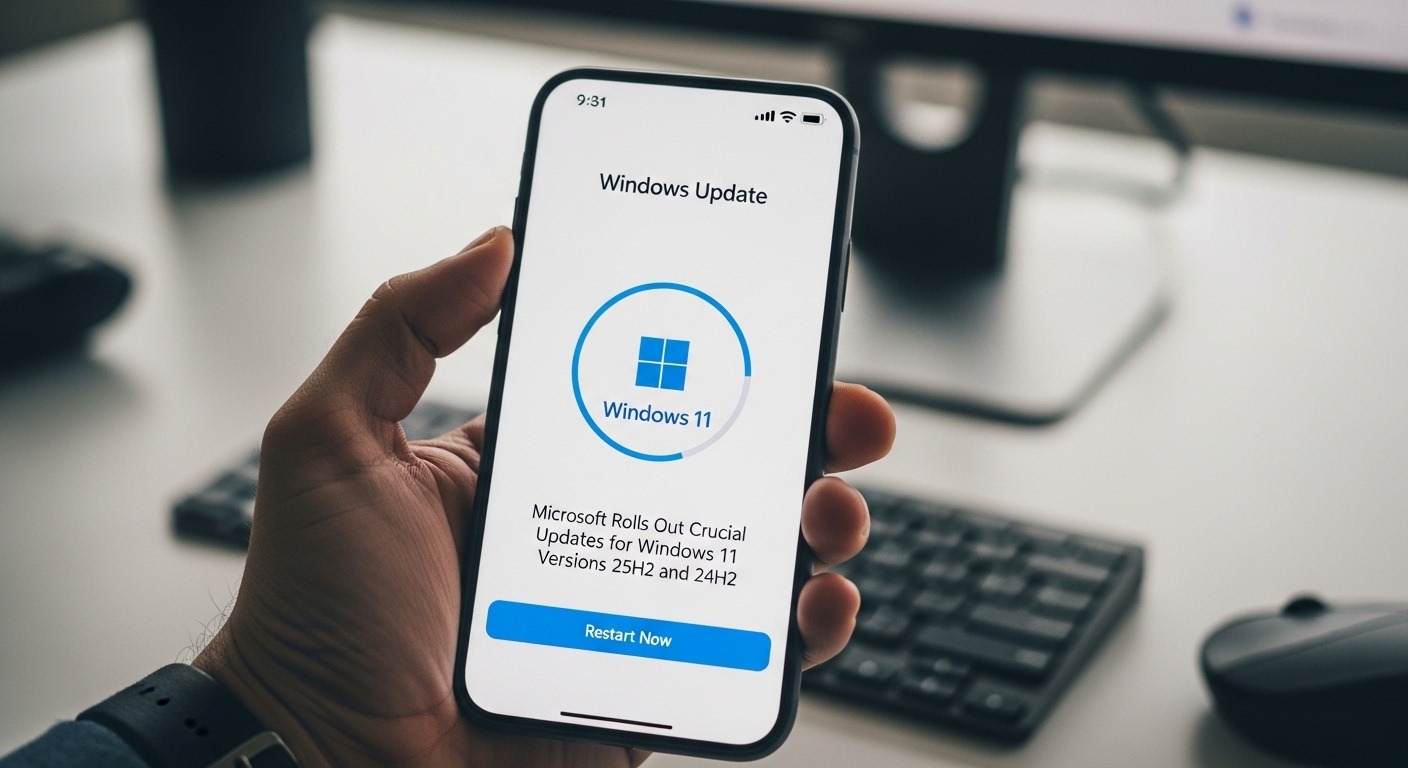
Microsoft has released crucial updates for Windows 11 versions 25H2 and 24H2. These updates focus on stronger security, better performance, and smoother system stability. As cyber threats grow across the world, these improvements help protect both individuals and organizations. The company is also responding to real user feedback, making Windows safer and more reliable.
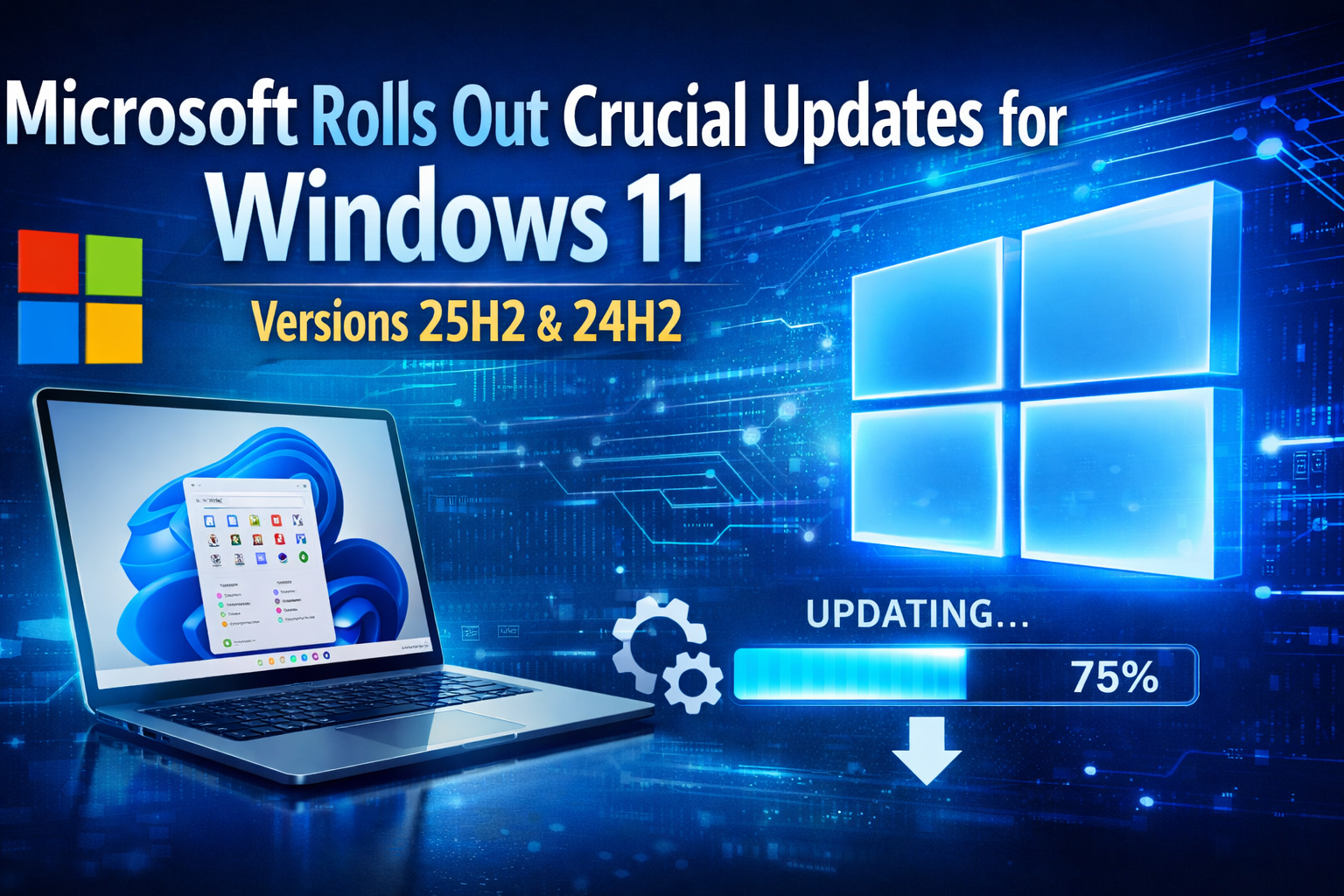
At the same time, this release shows how Microsoft continues to invest in long-term digital trust. Businesses in the USA and UK are especially focused on security and compliance. These updates support safe remote work, cloud integration, and future-ready infrastructure. As technology evolves, regular updates remain essential for protection and productivity.
Why Microsoft Updates Matter More Than Ever
The digital landscape is changing quickly. New threats appear every day. Attackers use automation and smart tools to target weak systems. Because of this, Microsoft is taking a proactive approach to security and performance.
Updates today are not only about fixing errors. They are part of a wider strategy to reduce risk, protect data, and improve user confidence. Modern organizations now treat updates as a core part of their security plan.
Before looking at the features, it is important to understand the value of regular updates:
- Stronger defense against cyber attacks
Updates close gaps that hackers try to exploit. - Reduced risk of data loss
Fixes protect sensitive information. - Improved system reliability
Stable systems support smooth business operations. - Better long-term performance
Updated systems work faster and last longer. - Support for new applications and tools
Modern software needs updated platforms. - Higher customer and user trust
Secure systems build confidence. - Compliance with global regulations
Many laws require strong security controls. - Improved remote work safety
Updates help protect devices outside the office.
These benefits explain why Microsoft continues to focus on frequent updates.
Key Highlights of the Microsoft Windows 11 25H2 and 24H2 Updates
The latest improvements from Microsoft aim to strengthen both user experience and enterprise protection. These updates bring stability, reliability, and advanced security. For many organizations, these changes help reduce operational risks.
Security Enhancements in Microsoft Windows 11
Security remains the top priority. The company addressed multiple vulnerabilities that could allow attackers to gain unauthorized access. These improvements protect both personal and business users.
Some of the most important security updates include:
- Fixes for critical system weaknesses
These vulnerabilities could have allowed remote attacks. - Improved protection against ransomware threats
Advanced safeguards help stop harmful software. - Stronger login and authentication controls
Identity security plays a key role in modern defense. - Better protection for system memory
This reduces the risk of advanced attacks. - Enhanced firewall and network security
Systems now block suspicious traffic more effectively. - Improved security for cloud-connected devices
Hybrid work environments gain stronger protection. - Real-time threat monitoring support
Faster detection reduces damage. - Advanced kernel-level safeguards
Deep system protection improves resilience.
These upgrades show how Microsoft is moving toward prevention instead of reaction.
Performance and Stability Improvements
Users also benefit from performance gains. Many systems now run faster and more efficiently. This is especially useful for businesses managing large workloads.
Key performance updates include:
- Faster system startup and shutdown
Employees save time daily. - Better battery efficiency for laptops
This supports remote work. - Reduced system crashes and freezes
Stability improves productivity. - Improved update installation experience
Updates now cause less disruption. - Lower background resource use
Systems run smoothly even with multiple tasks. - Optimized memory management
This improves performance on older devices. - Better compatibility with business tools
Organizations benefit from smoother workflows. - Improved driver and hardware support
Devices connect more reliably.
These improvements highlight how Microsoft balances security with usability.
How Microsoft Supports Businesses and Remote Work
Hybrid work has changed the way organizations operate. Employees now work from different locations, devices, and networks. Because of this, Microsoft is focusing on flexible and secure environments.
The new updates strengthen remote access, device control, and cloud security. This is especially important for companies in the USA and UK that depend on digital infrastructure.
Key business advantages include:
- Better remote device management
IT teams can monitor and update systems easily. - Stronger protection for remote login
Secure access reduces cyber risk. - Improved collaboration tools
Teams work smoothly across locations. - Enhanced cloud integration
Data moves safely between systems. - Support for secure hybrid work models
Companies can grow without security gaps. - Simplified IT administration
Updates and controls become easier. - Better compliance support
Organizations meet security standards. - Improved monitoring and reporting
Leaders gain clear visibility.
These features show how Microsoft understands modern work needs.
Impact of Microsoft Updates on Cybersecurity Trends
Cybersecurity is moving toward prevention and automation. Attackers use smart methods. So, defense must also become smarter. Microsoft is investing in predictive protection and intelligent monitoring.
These updates reflect several major industry trends:
- Zero-trust security models
Every user and device must verify identity. - Continuous monitoring and detection
Systems watch for threats in real time. - Automation in security response
Faster reactions reduce damage. - Integration with cloud security tools
Protection extends beyond devices. - Focus on user behavior analysis
Systems detect unusual activity. - AI-powered threat intelligence
Faster insights improve protection. - Cross-platform security ecosystems
Devices and services work together.
This strategy helps businesses stay ahead of risks.
Comparison Table: Windows 11 25H2 vs 24H2 Updates
Below is a clear and detailed comparison to help users and IT teams understand the key differences between Windows 11 25H2 and 24H2. This table supports smarter update planning and better long-term strategy.
This detailed comparison helps organizations, IT leaders, and individual users decide which update aligns with their goals. It also highlights how Microsoft is balancing short-term stability with long-term security and innovation.
Why the USA and UK Markets Are Paying Attention to Microsoft Updates
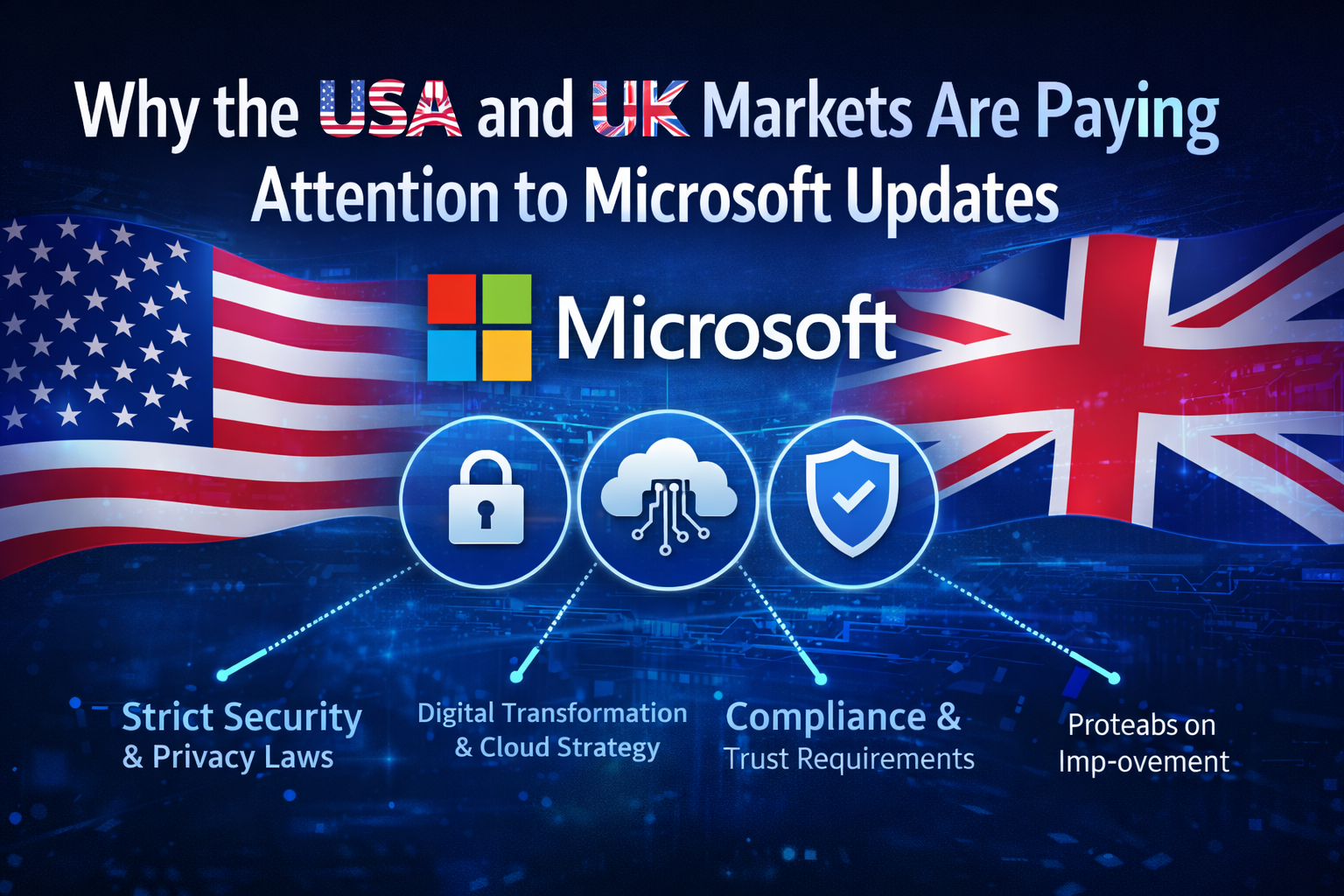
Organizations in the USA and UK face strict security, privacy, and compliance demands. Because of this, Microsoft updates are no longer just technical improvements. They are a strategic priority that supports long-term growth and stability. Companies in these regions operate in highly competitive and regulated environments. Even small security gaps can create serious financial and legal risks.
Learn how modern lead generation tools improve conversions, build trust, and drive sustainable growth in 2026.
Businesses in the USA and UK also focus strongly on reliability and trust. Customers expect safe digital experiences. Even short downtime can affect revenue, operations, and customer relationships. In addition, security incidents damage brand value and reduce confidence. As a result, leadership teams now treat system updates as part of business strategy rather than routine maintenance.
These markets emphasize:
- Data protection and privacy laws
Strong regulations, such as privacy and consumer protection rules,s require secure systems. Updates help organizations meet these legal responsibilities and reduce penalties. - Compliance and governance standards
Businesses must show clear proof of security controls. Regular updates support audits and internal governance frameworks. - Digital transformation strategies
Modern organizations depend on connected platforms. Updated systems ensure smoother transitions to cloud and automation. - Cloud-first infrastructure
Many companies rely on cloud services. Secure and updated devices reduce risks in connected environments. - Customer trust and transparency
Security has become part of brand reputation. Businesses that protect data gain long-term loyalty. - Vendor and supply chain risk management
Companies now evaluate partners carefully. Secure platforms such as Microsoft reduce third-party risk. - Resilience and continuity planning
Updates help prevent downtime and support disaster recovery strategies. - Cyber insurance requirements
Many insurance providers require strong security practices, including regular updates. - Regulatory audits and reporting
Updated systems help organizations show accountability and transparency.
This explains why organizations in these regions invest in proactive update strategies and long-term technology planning.
Best Practices for Managing Microsoft Windows Updates
Installing updates alone is not enough. Strategy, planning, and communication are essential. Many successful organizations treat updates as part of risk management and digital governance. A structured process helps reduce disruption and improve security outcomes.
Before implementing updates, businesses should align technical actions with business goals. This ensures that security supports productivity instead of slowing operations. Clear communication also builds employee awareness and trust.
Here are proven practices:
- Create a clear update policy
Define responsibilities, timelines, and approval workflows. This ensures consistency and accountability. - Test updates in controlled environments
Use pilot groups or sandbox systems to identify issues before full rollout. - Schedule updates during low activity periods
This reduces operational disruption and protects customer experience. - Maintain strong backups and recovery plans
Data protection ensures business continuity in case of unexpected problems. - Use automation and centralized tools
Automation improves speed, reduces human error, and enhances control. - Monitor system performance after rollout
Continuous monitoring helps detect performance or compatibility issues early. - Train employees on updated awareness
Users play a key role in security. Awareness reduces risky behavior. - Review and improve update strategies regularly
Cyber risks change, so processes must evolve. - Work with trusted IT and security partners
Expert guidance improves planning, compliance, and resilience. - Integrate updates with broader cybersecurity strategy
Updates should support identity, cloud, and network security. - Track and document update activities
This helps audits, compliance, and internal reporting. - Encourage leadership involvement
When leadership supports security, adoption improves.
These steps help organizations maximize the value of Microsoft updates while balancing security, performance, and productivity.
Common Mistakes Organizations Should Avoid
Many businesses make avoidable errors when managing updates. Some delay updates because they fear disruption. Others rush without proper testing. Both approaches increase risk and reduce long-term stability. Microsoft updates work best when part of a structured and long-term strategy. Organizations that plan reduce downtime, protect data, and build user trust.
Common mistakes include:
- Ignoring alerts and warnings
Many teams delay action after receiving update notifications. This creates security gaps. Attackers often target systems that are known to be unpatched. - Using outdated devices and systems
Legacy hardware and unsupported software weaken protection. These systems may not support modern security controls and increase overall risk. - Skipping update testing
Testing helps detect compatibility or performance issues. Without testing, businesses may face downtime or application failures. - Poor communication with teams
Employees must understand updated schedules and changes. Clear communication reduces confusion and resistance. - Lack of clear ownership
When no one is responsible, updates are delayed. Assigning clear roles improves accountability and efficiency. - Over-reliance on automation alone
Automation is helpful, but human review ensures that security decisions align with business goals. - Short-term focus on convenience
Some organizations avoid updates to save time. However, long-term risk becomes higher. - Not monitoring update results
Monitoring ensures that systems remain stable and secure after installation. - Failure to document update processes
Documentation supports audits, compliance, and continuous improvement. - Ignoring employee training and awareness
Users play a key role in security. Awareness reduces accidental risks.
Fixing these mistakes improves protection, resilience, and long-term digital trust.
Future Outlook for Microsoft Windows Security
The future of security will combine automation, intelligence, and user awareness. Microsoft is expected to expand its focus on proactive protection and predictive security. Instead of reacting to threats, systems will detect risks earlier and respond faster.
We can expect:
- More predictive security systems
Advanced tools will identify risks before they become serious threats. - Greater cloud and device integration
Security will connect devices, networks, and cloud environments in one ecosystem. - Smarter identity protection tools
Access controls will become more dynamic and context-based. - Improved privacy and user control
Users will gain better visibility and control over their data. - Faster and lighter updates
Updates will install quickly and cause less disruption. - More automation in system management
IT teams will manage security with less manual effort. - Better protection for hybrid environments
Remote work and distributed teams will stay secure. - Continuous monitoring and real-time response
Systems will react instantly to unusual behavior. - Stronger collaboration between security and business teams
Security will become a shared responsibility. - Improved user experience and productivity
Protection will not slow down daily work.
Human judgment will remain essential. Technology supports strategy, but people define priorities and ethical decisions.
How These Updates Support Google E-E-A-T and Trust
Trust, experience, and expertise are central to long-term digital growth. The approach taken by Microsoft reflects accountability and continuous improvement. Regular updates show commitment to user safety, transparency, and responsible innovation.
Organizations that follow similar practices build strong credibility. They demonstrate real-world experience and a clear focus on protecting customers. This aligns with modern expectations from users, regulators, and partners across the USA and UK.
In addition, strong security practices improve brand reputation and long-term loyalty. Businesses that prioritize updates, monitoring, and risk planning show leadership in their industries. Over time, this creates deeper trust, stronger relationships, and sustainable growth in a competitive digital environment.
Final Thoughts
Microsoft continues to focus on security, performance, and trust with these important Windows 11 updates. Businesses and individuals who adopt these improvements reduce risks and improve long-term stability. Proactive planning is now essential for digital success.
As threats continue to evolve, awareness and strategy become more important. Organizations that treat updates as a priority will stay ahead. With the support of Microsoft, users can build secure, reliable, and future-ready technology environments.
Frequently Asked Questions (FAQs)
1. Why did Microsoft release these updates now?
The updates address newly discovered vulnerabilities and improve overall system protection. Cyber threats continue to grow in both complexity and frequency. Because of this, Microsoft releases regular security patches to reduce risk and prevent attacks before they cause damage. These updates also improve system stability and prepare Windows for future security needs.
2. Are Microsoft Windows 11 updates mandatory?
Most security updates are essential, especially for businesses and organizations. While some updates may be optional, delaying important patches increases exposure to cyber threats. Many companies in the USA and UK treat updates as mandatory to meet compliance and risk management standards. Installing updates on time helps maintain trust and reduce operational risk.
3. How do these updates help businesses?
They improve security, stability, and compliance while supporting hybrid and remote work environments. Updated systems protect sensitive data, reduce downtime, and improve productivity. In addition, Microsoft updates help organizations meet regulatory requirements and maintain customer confidence in digital services.
4. Can small businesses benefit from Microsoft updates?
Yes. Small businesses face the same cyber risks as large enterprises, but often have fewer resources to respond to incidents. Regular updates strengthen protection, reduce the chance of data breaches, and help maintain business continuity. They also improve performance, which supports growth and a better customer experience.
5. Do these updates improve performance?
Many users report faster startup times, smoother daily operations, and fewer crashes after installing updates. Microsoft often includes performance improvements alongside security fixes. These enhancements support better battery life, improved memory use, and stronger compatibility with modern software and hardware.
6. What should users do before installing updates?
Users should first back up important data to avoid unexpected loss. It is also important to check device compatibility, review update notes, and ensure enough storage space. Businesses should test updates in controlled environments before full rollout. A structured approach reduces disruption and ensures smooth adoption.



.svg)
.svg)
.svg)
.svg)
