

Webflow AI Code Components are changing how developers build React components. They bring speed, clarity, and control into one simple workflow. Instead of writing everything from scratch, you can now generate clean, ready-to-use code with minimal effort. This approach saves time and reduces mistakes.
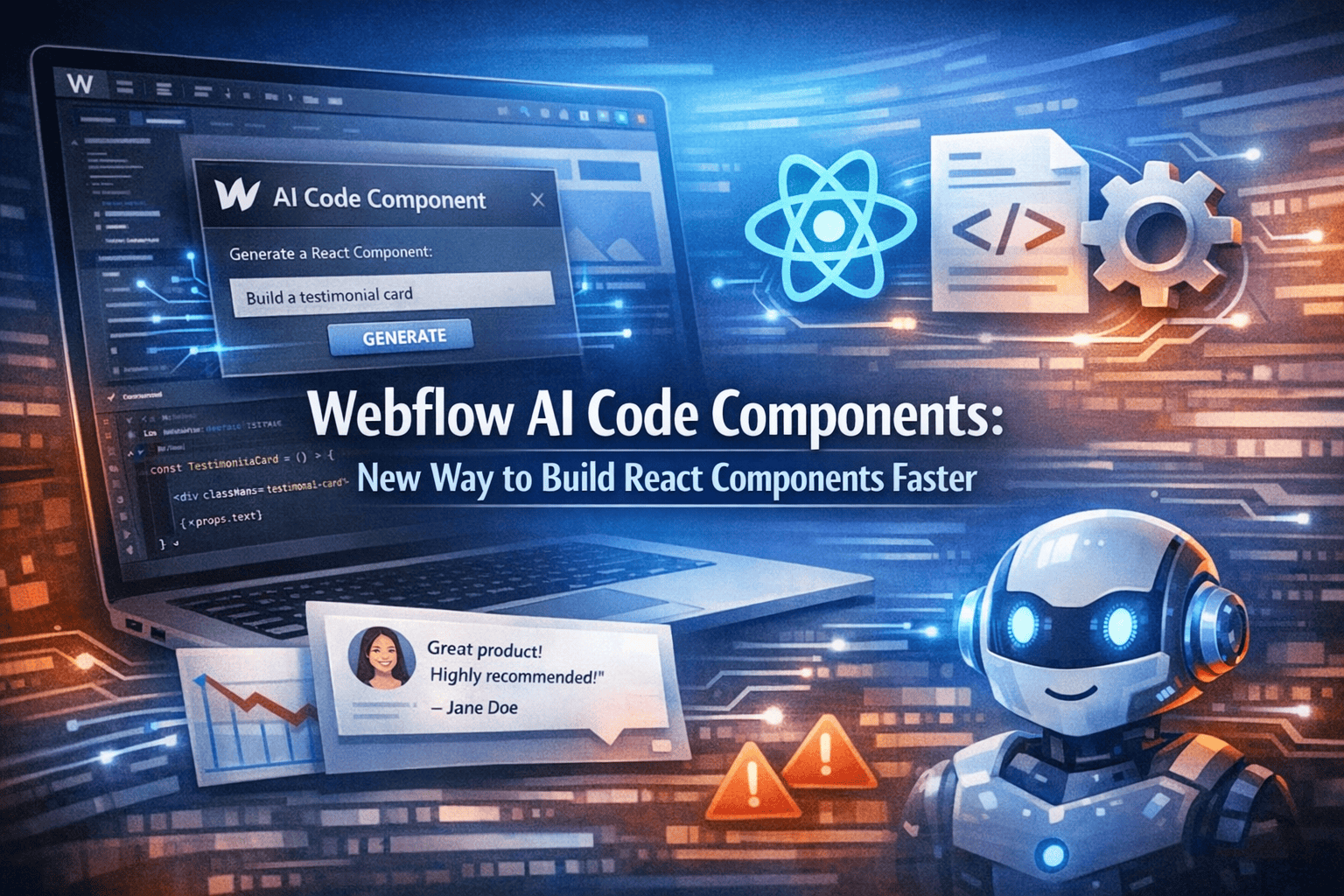
At the same time, Webflow AI Code Components help both beginners and experts build faster without losing quality. By combining visual design with smart code generation, they make modern development easier and more efficient.
Understanding Webflow AI Code Components
Webflow AI Code Components are tools that use artificial intelligence to generate React components from simple inputs. These inputs can be layouts, design ideas, or short written instructions. The system reads patterns, structure, and intent, then turns them into usable code that fits real project needs.
Webflow has introduced this feature to bridge the gap between design and development. Instead of switching between multiple tools, users can now design, generate, and refine components in one place. This reduces friction in the workflow and helps teams move faster without losing quality.
How They Work
The system studies your input and converts it into structured React code. This code follows modern standards, uses clean formatting, and is easy to edit or expand later. It also tries to keep components modular, which means they can be reused across different parts of a project.
Before exploring deeper, it helps to understand the flow:
- You describe or design a component
- The AI processes the structure and identifies patterns
- Clean React code is generated with proper layout and logic
- You can edit, test, or reuse the output in other sections
In many cases, the generated code already includes basic styling and structure, which reduces the need for extra setup. This simple process removes repetitive coding work and helps developers focus more on functionality and user experience.
Why Developers Are Switching to AI Components
Many developers are moving toward Webflow AI Code Components because they solve real problems in daily workflows. Traditional coding takes time, especially when building similar components again and again. It also increases the chances of small errors that slow down projects.
Key Reasons for Adoption
Before listing benefits, remember that developers value speed, clarity, and reliability in their tools.
- Faster component creation saves hours of manual coding work
- Clean code reduces debugging time and improves readability
- Simple interface helps beginners start quickly without confusion
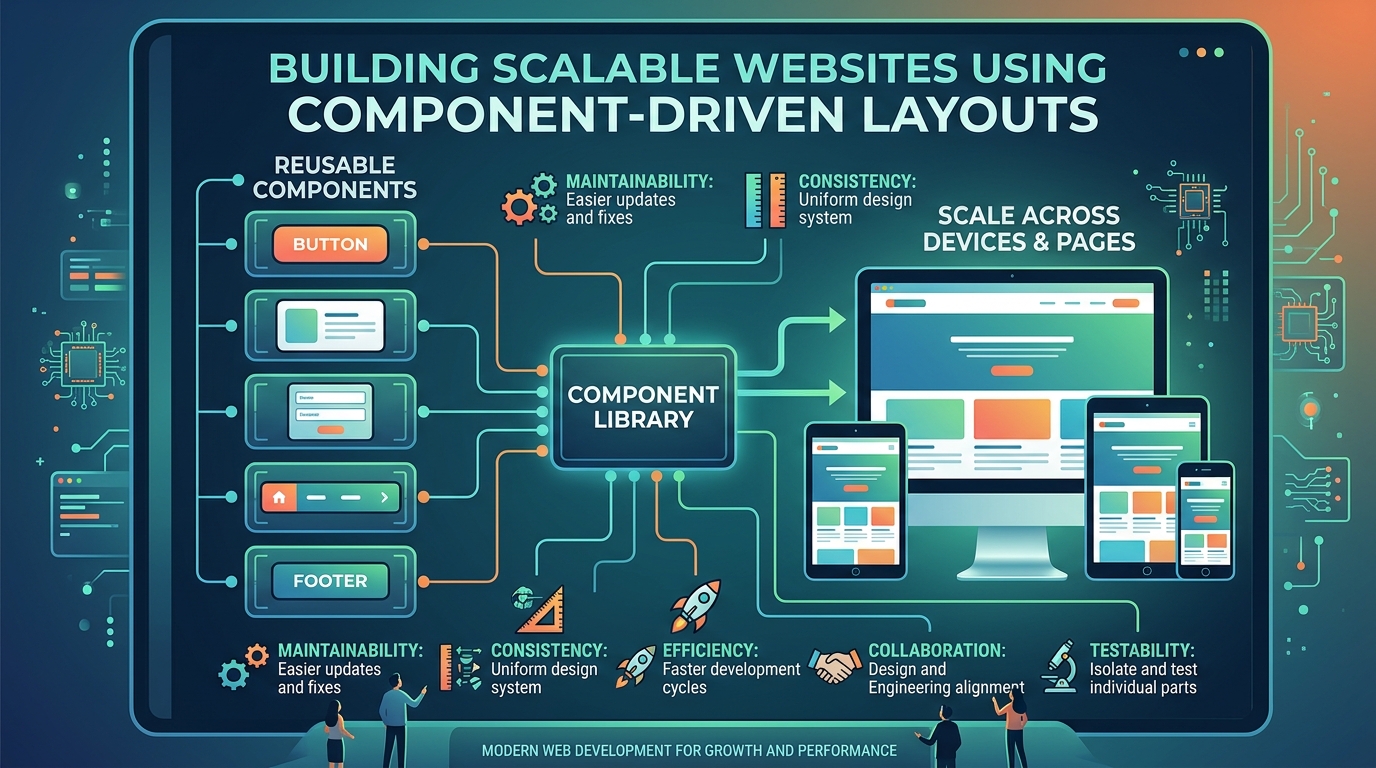
- Reusable components improve long-term efficiency across projects
- Better consistency across projects keeps design and structure aligned
In addition, these tools support faster prototyping, which allows developers and designers to test ideas quickly before full development. Teams can also collaborate more easily since the code is structured and predictable.
Because of these advantages, Webflow AI Code Components are becoming a preferred choice for modern workflows, especially for teams that want speed without sacrificing quality.
Core Features of Webflow AI Code Components
The strength of Webflow AI Code Components lies in their features. These tools are built to simplify development without reducing control. They enable developers to work more quickly while maintaining control over how components are built and handled.
Main Capabilities
Before exploring the table, note that each feature supports real development needs and improves daily workflows.
In addition, many generated components follow a consistent structure, which makes them easier to maintain over time. This consistency helps teams avoid confusion and keeps projects organized.
These features make Webflow AI Code Components practical, reliable, and useful for both small and large projects.
How Webflow AI Code Components Improve React Development
React development often involves repetitive tasks. Writing similar components again and again slows progress and increases the chance of mistakes.
Webflow AI Code Components removes this issue by automating the process. Instead of building everything manually, developers can generate components quickly and focus on improving functionality.
Practical Improvements
Before listing improvements, understand that efficiency is the main goal, especially in fast-moving projects.
- Reduces manual coding work and avoids repetition
- Speeds up project delivery timelines
- Improves code quality with structured output
- Helps teams collaborate better with consistent code
- Makes scaling easier as components can be reused
In many cases, developers can also test ideas faster by generating quick prototypes. This allows better decision-making before final development. As a result, developers can focus more on logic, performance, and user experience instead of repetitive structure.
Real Use Cases of Webflow AI Code Components
Webflow AI Code Components are useful in many real-world scenarios. They are not limited to one type of project.
Common Use Cases
Before exploring examples, note that flexibility is a key strength.
- Building UI components for web apps
- Creating reusable design systems
- Speeding up prototype development
- Helping beginners learn React structure
- Supporting teams with fast workflows
These use cases show how Webflow AI Code Components fit into different projects.
Comparison: Traditional Coding vs AI Code Components
Understanding the difference helps you see the real value of Webflow AI Code Components.
This comparison clearly shows why Webflow AI Code Components are gaining attention.
How to Start Using Webflow AI Code Components
Getting started with Webflow AI Code Components is simple. You do not need advanced skills to begin. The setup is designed to be smooth so users can move from idea to working component without delays.
Basic Steps
Before following the steps, ensure you have a clear idea of your component, including its purpose and layout.
- Open your Webflow project
- Select the AI component tool from the interface
- Describe or design your component clearly
- Generate the code using the AI system
- Edit and use it in your project as needed
In many cases, you can preview the component before final use, which helps catch small issues early. This process is easy and beginner-friendly, making it suitable for both new and experienced developers.
Best Practices for Using AI Code Components
To get the best results from Webflow AI Code Components, you should follow simple strategies. Small improvements in how you use the tool can lead to better output and smoother workflows.
Helpful Tips
Before applying these tips, remember that clarity improves output and reduces the need for rework.
- Use clear and specific instructions when generating components
- Review and refine the generated code before final use
- Keep components simple, modular, and reusable
- Test components before deployment to avoid issues
- Organize your component library for easy access
It also helps to maintain naming consistency across components, as this improves team collaboration. These practices ensure better results with Webflow AI Code Components.
Limitations You Should Know
While Webflow AI Code Components are powerful, they are not perfect. Knowing limitations helps you use them wisely and avoid unrealistic expectations.
Common Limitations
Before listing them, remember that no tool replaces human thinking and decision-making.
- May require manual adjustments after generation
- Complex logic still needs custom coding
- Limited customization in some advanced cases
- Dependence on input quality for accurate results
In addition, some generated components may need optimization for performance or styling. Even with these limits, Webflow AI Code Components remain highly useful when combined with developer input.
Future of AI in Component Development
The future looks strong for tools like Webflow AI Code Components. AI is improving fast and becoming more reliable with each update.
What to Expect
Before exploring trends, note that innovation is ongoing and focused on a better user experience.
- Smarter code suggestions based on user patterns
- Better integration with frameworks and tools
- More customization options for advanced users
- Faster processing speed for instant results
- Improved design-to-code accuracy
Over time, these tools may also support full application building, not just components. These trends will make Webflow AI Code Components even more powerful and widely used.
Why Businesses Should Care
Businesses benefit greatly from Webflow AI Code Components. Faster development means quicker product launches and better market response.
Business Advantages
Before listing benefits, remember that speed and efficiency directly impact growth.
- Reduced development costs by saving time and resources
- Faster time to market for new products
- Better product consistency across platforms
- Easier team collaboration with structured workflows
- Improved scalability for growing applications
In addition, businesses can test ideas faster and adapt quickly to market changes. These benefits make Webflow AI Code Components valuable for companies aiming to stay competitive.
Final Thoughts
Webflow AI Code Components offer a smarter way to build React components without wasting time on repetitive tasks. They simplify development while keeping control in your hands. As AI continues to improve, Webflow AI Code Components will become even more useful. Developers who adopt them early can build faster, work smarter, and stay ahead.




.svg)
.svg)
.svg)
.svg)
