
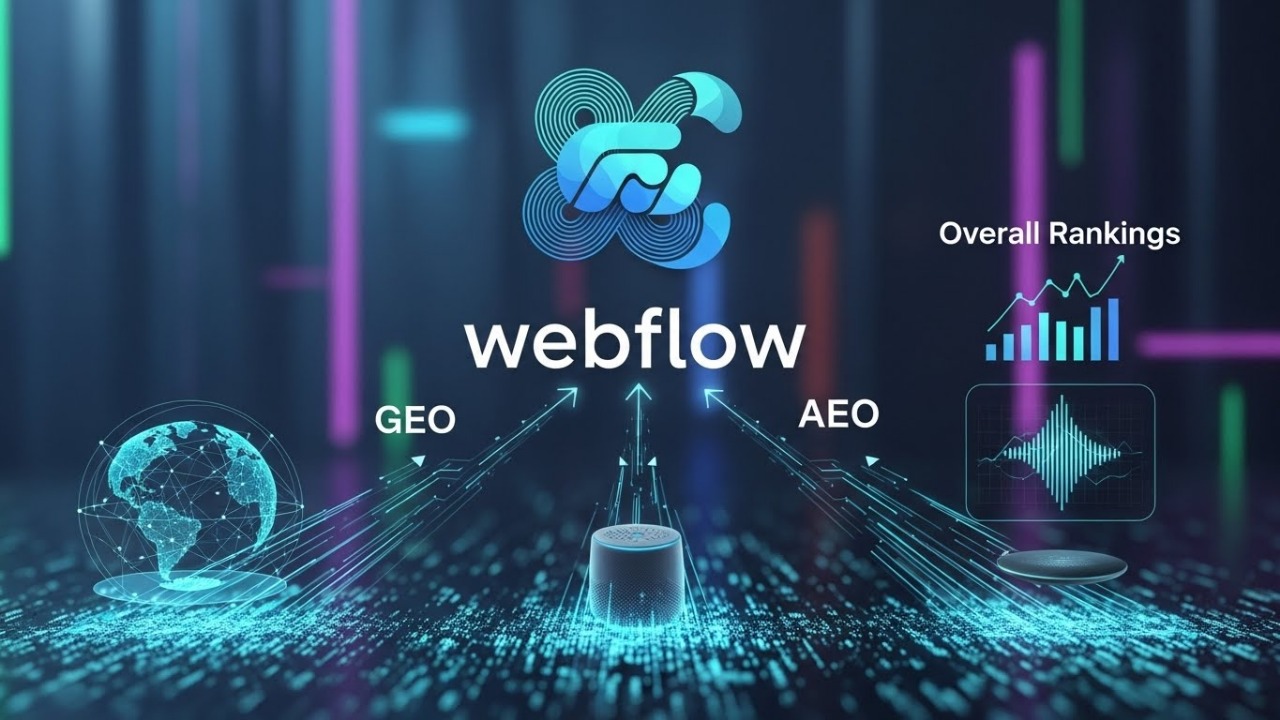
What Webflow Brings to the Table
The Webflow platform provides tools that support solid SEO out of the box. You get control over meta titles, meta descriptions, URL slugs, canonical tags, 301 redirects, sitemaps, image alt text, and semantic HTML. These features are as important now as ever because search engines look for clean structure, correct metadata, and fast loading.
Webflow’s hosting includes SSL and uses a global CDN for good performance worldwide. If you use the built-in content management part, Webflow CMS, you can build content at scale. The CMS lets you create dynamic pages, manage metadata per page, and maintain a consistent structure across many pages.

Because of these strengths, Webflow gives you a strong technical and content-ready base. That base matters a lot if you want your site to rank well, especially when targeting different regions or aiming for presence in AI-powered search results (GEO / AEO).
What GEO and AEO Mean, and Why Webflow Fits
You might have heard terms like GEO (generative engine optimization) and AEO (answer engine optimization). These reflect a major shift in how search works. Instead of only returning links to pages, search engines now often generate answers directly using AI. This means your content must be clear, structured, and easily readable for machines as well as humans.
Why Structure Matters
To perform well in GEO and AEO, your content needs a logical hierarchy, semantic markup, and consistent metadata. Webflow supports structured HTML, schema markup, and easy editing of meta titles and descriptions. These features make it simple to signal meaning to AI-driven engines, increasing the likelihood your content will appear in generated answers or featured snippets.
Answer-Focused Content
If you create content that answers specific user questions or solves problems, you improve visibility in both traditional search and AI-powered results. Webflow CMS allows you to organize content into collections, templates, and pages that follow a clear pattern. This ensures your answer-focused content is consistent, scalable, and easy for AI systems to parse.
Speed and Accessibility
Webflow’s fast hosting and clean code support indexing. AI and traditional search engines rely on crawlable, accessible content. Quick load times and semantic HTML reduce friction, helping your pages rank higher and provide a better experience for users.
Adaptability for Modern Search
Webflow is not only relevant for classic SEO. Its combination of structure, performance, and content management makes it adaptable to the growing influence of generative AI. Using Webflow SEO with the CMS positions your site to compete in both standard rankings and the emerging AI-driven answer ecosystem.
Key Strengths When You Use Webflow SEO + Webflow CMS
Using Webflow SEO with Webflow CMS gives you control, speed, and structure. It helps you manage content efficiently while keeping every page optimized. These features make your site easier to index, faster to load, and ready to grow without losing quality.
Consistent Metadata Control
You can set rules for titles and descriptions inside Webflow CMS collection items. This helps you avoid missing fields or repeating work. It also keeps every page aligned with your target keywords and improves crawl consistency.
Clean Code and Strong Speed
Webflow produces tidy HTML and runs on fast hosting. Pages load quicker and stay stable. Faster load times help search engines understand your pages and improve user experience on all devices.
Simple URL and Redirect Management
You can edit slugs, adjust folder paths, and apply 301 redirects without coding. This protects your ranking and reduces the loss of link value when you reorganize or move content.
Scalable Content Structure
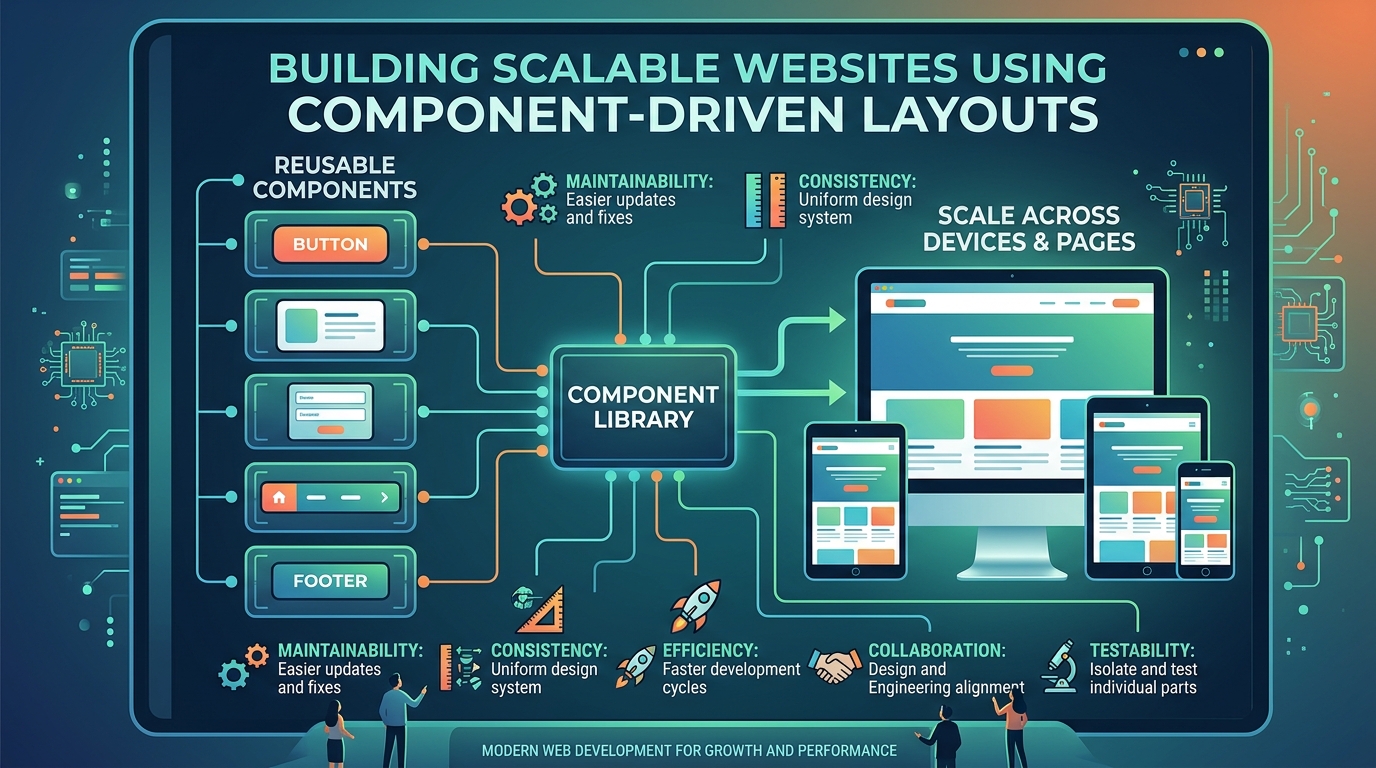
Webflow CMS gives you templates for product pages, blog posts, location pages, or any repeating format. New content stays consistent in layout and metadata. This prevents clutter and keeps the site organized as it grows.
Full Support for Key SEO Elements
Structured data, canonical tags, alt text, and other SEO fields are easy to manage. These signals help search engines read your content correctly. They also make your pages ready for rich results and AI-driven answers.
Limitations and Risks You Should Watch Out For
While Webflow offers strong SEO tools, it has some limits you need to manage. Understanding these risks helps you avoid ranking drops and ensures your site stays optimized as it grows.
Advanced SEO Needs
For complex SEO tasks or very large sites, Webflow may not cover everything automatically. Some features, like advanced schema or custom structured data, require manual coding or custom solutions.
JavaScript-Heavy Content
If your pages rely heavily on JavaScript or interactive elements, search engines might have trouble indexing content. This can affect visibility unless you carefully manage rendering and load behavior.
Multi-Language and Regional Sites
Managing multiple languages or regions requires extra setup. Webflow gives URL control and custom slugs, but hreflang tags and consistent content across languages must be configured manually.
Large CMS Sites
Sites with thousands of pages or complex content structures can become harder to manage. Without careful organization, relationships and metadata can get messy, which may hurt SEO performance.
Migration and Redirect Risks
If you move content or redesign your site without proper redirects, you risk losing link equity and rankings. Planning URL changes and implementing 301 redirects is critical to preserve SEO value.
How to Make Webflow SEO Deliver for GEO, AEO, and Rankings in 2026
If you choose Webflow and Webflow CMS, you need to apply discipline and follow SEO and content best practices. Here is a practical checklist:
- Configure meta titles, meta descriptions, alt text, and canonical tags for every page. Do not skip this step.
- Use clean, readable URL slugs. Avoid long query strings or overly complex URL structures.
- Use semantic HTML: proper heading hierarchy (H1, H2…), clear paragraphs, accessible markup.
- Add schema markup (where relevant). For content that answers questions, like FAQs, how-tos, definitions- use structured data. This increases chances for AI-driven search engines or rich results.
- Plan for proper redirects if migrating or restructuring the site. Map old URLs to new ones, apply 301 redirects carefully.
- Keep content quality high. Even with the best technical setup, content relevance, readability, authority, and usefulness matter most.
- For large sites or content-heavy projects, design a CMS structure that scales: use collection templates, clear naming, consistent metadata, and organization.
- If targeting multiple regions or languages, implement hreflang tags and language-specific pages carefully. Maintain consistency in content quality across languages.
- Monitor performance: page speed, Core Web Vitals, index coverage in search consoles or AI indexing tools. Fix issues promptly.
- Update content over time. Fresh, accurate, and up-to-date content increases relevance in both traditional search and AI-driven search.
Why Webflow SEO with Webflow CMS Might Rank Well in 2026
Search engines and AI systems reward clarity, structure, performance, and authority. With Webflow and good practices, you align with those demands.
You have technical control. You have clean code and fast hosting. You have structured data and content management at scale. You can deliver content that answers user needs and works for both search engines and AI-based answer engines. If you commit to quality over shortcuts, apply SEO fundamentals carefully, and build content that helps users, Webflow becomes not just a design tool. It becomes a competitive platform for rankings, international reach, and AI-driven visibility.
Using Webflow SEO and Webflow CMS with discipline gives you real potential to compete in 2026 search results.



.svg)
.svg)
.svg)
.svg)
