
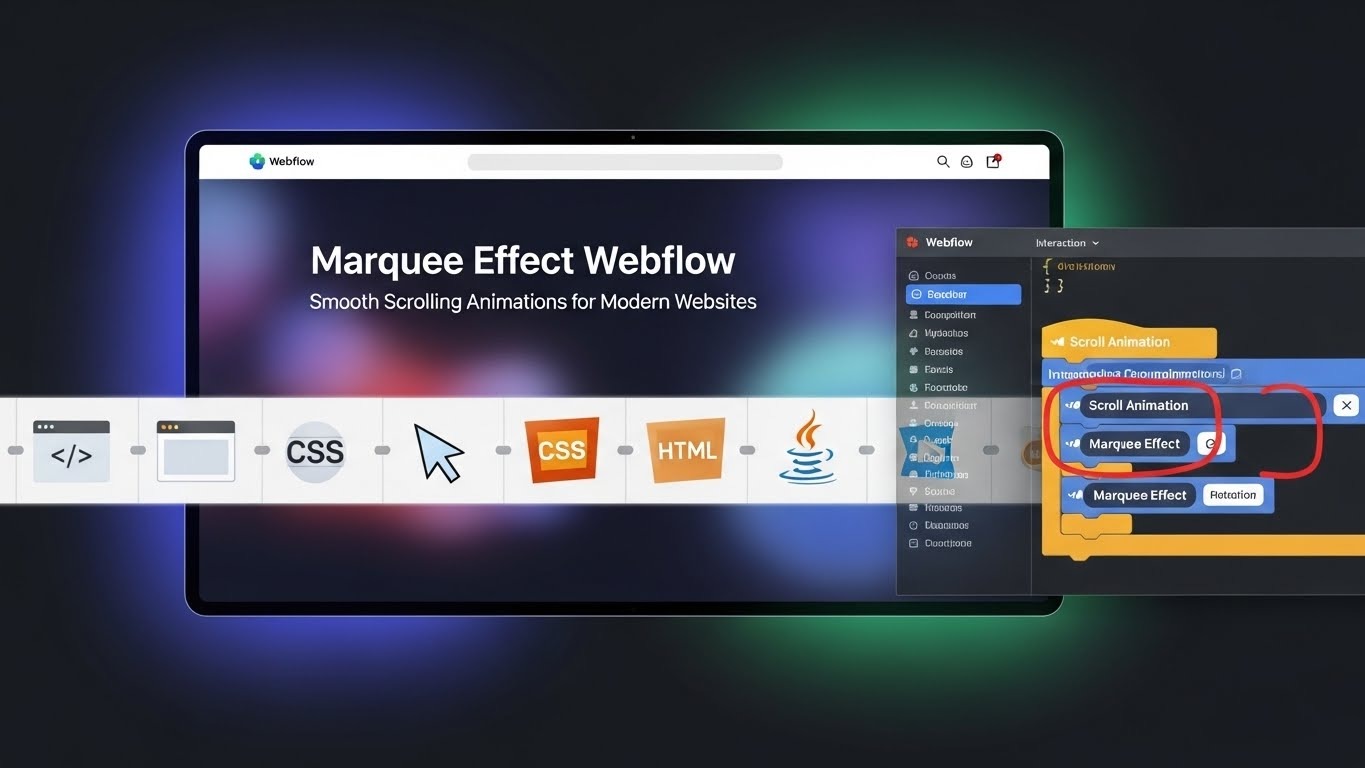
Marquee effect is one of the simplest ways to add motion that feels alive without confusing visitors. When used well in Webflow, it creates smooth horizontal or vertical movement that guides attention and improves how content is understood. Instead of static blocks, users see gentle motion that feels natural and easy to follow.
Many modern websites use motion to show data, highlight updates, or support storytelling. We will guide you on how scrolling animations work in Webflow, where they fit best, and how to use them in a clear, user-first way that supports trust and readability.
Why the Marquee Effect Works on Modern Websites
Movement helps people notice important content faster. A scrolling section draws the eye without forcing action. That is why this effect works well for real websites, not just visual demos.
When designed with care, this effect improves clarity instead of distraction. It supports how people scan pages and understand information.
Key benefits include:
- Better focus on key content: Motion helps guide attention to updates, features, or important messages.
- Improved content flow: Scrolling elements create rhythm and break long pages into readable parts.
- Stronger visual interest: Subtle movement keeps users engaged without overwhelming them.
- Supports natural scanning behavior: Many users skim pages instead of reading every word. Gentle scrolling helps guide the eyes across important information in a natural way, making content easier to notice without extra effort.
- Keeps layouts clean and organized: A single scrolling row can replace multiple static sections. This reduces clutter and helps pages feel open, balanced, and easier to understand at a glance.
- Encourages longer page engagement: Subtle motion creates a sense of progress as users scroll. This keeps attention on the page longer and helps visitors stay focused on what matters most.
Before using motion, always ask one question: Does it help the reader understand faster? If the answer is yes, it belongs on the page.
How Webflow Supports Smooth Scrolling Animations
Webflow makes scrolling motion simple to build and control. You can design movement visually and adjust speed, direction, and spacing without complex setup. This approach fits well with modern design goals. Pages stay clean, fast, and readable.
Built-In Motion Controls
Webflow lets you create scrolling sections using visual controls. You decide how content moves and how fast it flows. This keeps the experience smooth across screen sizes.mar
Benefits of built-in controls:
- No heavy setup steps
- Easy speed adjustments
- Consistent motion on desktop and mobile
Because everything is visual, designers can test changes quickly and avoid errors that harm usability.
Using the Effect for Content, Not Decoration
The goal is clarity. Motion should support meaning. Scrolling text works best when showing:
- Key updates or announcements
- Partner names or featured items
- Short data points or highlights
Avoid long sentences or dense information. Keep content short and readable while it moves.
Best Use Cases for the Marquee Effect in Webflow
Marquee effect works best when it shares information that benefits from motion. It should never replace a clear structure or a readable layout.
Good use cases include:
- Highlighting tools, services, or features
- Showing live updates or rotating messages
- Supporting data stories with short labels
Before adding motion, write the content first. Make sure it still makes sense if movement stops. This keeps the design honest and user-focused.
Common Mistakes to Avoid
Many sites overuse motion and lose clarity. Avoid these mistakes to protect trust and readability:
- Making text move too fast to read
- Using motion on long paragraphs
- Adding animation with no clear purpose
Test your page by watching it without interaction. If the motion feels distracting, slow it down or remove it.
Performance and Trust Matter
Smooth motion should never slow a site. Webflow handles scrolling effects efficiently, but content choices still matter.
To keep performance strong:
- Use short text blocks
- Avoid stacking multiple moving sections
- Test loading speed on mobile
Search engines reward sites that respect users. Clean motion, clear structure, and helpful content support experience and trust at the same time.
Final Thoughts
Marquee effect works best when it supports meaning, not decoration. In Webflow, smooth scrolling animations help guide attention, improve content flow, and make key information easier to notice. When motion is slow, clear, and intentional, it feels natural and respectful to the reader.
Used with care, the Marquee effect strengthens modern website design without hurting speed or trust. Focus on clarity, test across devices, and always design for understanding first. When motion serves the message, both users and search engines respond positively.



.svg)
.svg)
.svg)
.svg)
