

Data Collection shapes every report seen inside Google Analytics and Google Search Console. When numbers fail to match, Data Collection explains the gap. The 2025 core update and the August 2025 spam policy placed a stronger focus on accuracy, user value, and clean signals.
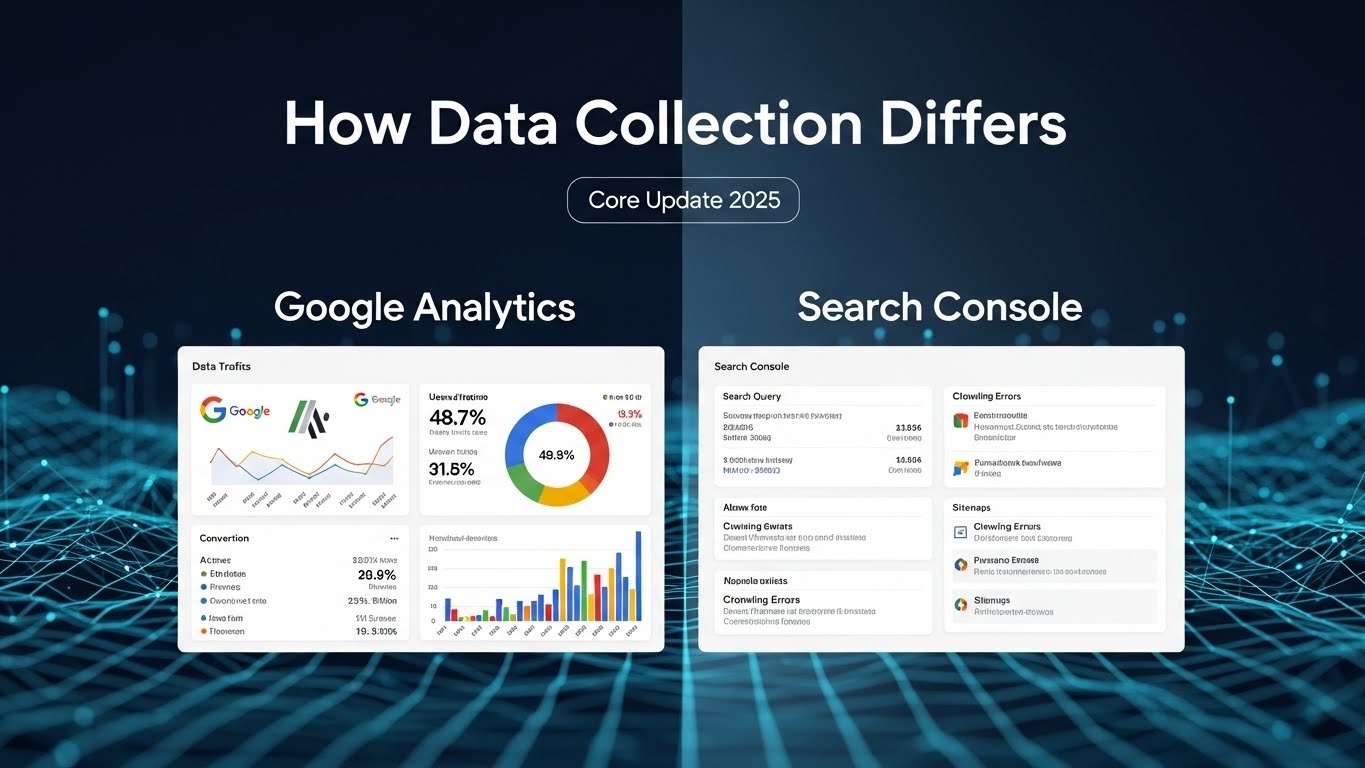
We will explain how Data Collection works in both tools, why reports differ, and how readers use each source with confidence.
Why Data Collection Matters After Core Update 2025
Data Collection now influences how Google evaluates trust, quality, and consistency. Sites showing clean traffic patterns and real search presence gain stronger signals. Google favors reports that reflect genuine user actions and honest visibility. Manipulated numbers and forced matching between tools lose weight. When Data Collection stays transparent, performance trends align with real outcomes instead of artificial growth.
Clear Data Collection also protects decision-making. Site owners rely on accurate numbers to judge content value, user interest, and search reach. When reports reflect real behavior and real exposure, planning becomes stable. Growth measured through clean Data Collection supports long-term ranking strength and builds confidence during core updates.
What Data Collection Means Inside Google Tools
Data Collection explains how Google platforms gather, process, and present information. Google Analytics focuses on user actions after visitors arrive on a website. Page views, clicks, and time spent shape reports. Google Search Console focuses on visibility before visits happen. Impressions and clicks from search results guide insights. Because each tool serves a different purpose, Data Collection rules differ by design and never align fully.
How Data Collection Works in Google Analytics
Data Collection inside Google Analytics starts when a page loads with the tracking code. The system begins recording user actions from the first interaction. Reports depend on how tracking loads, how users allow access, and how long visitors stay active. Small changes in setup or consent settings shape Data Collection results across every report.
Visitor Activity Tracking
Google Analytics records page views, button taps, scrolling depth, and time spent on each page. Data Collection depends on browser rules, privacy tools, and consent choices. When users block scripts or limit tracking, Analytics misses activity. These gaps reduce session counts and create lower traffic totals even when interest stays steady.
Tracking Code Setup
Every page requires correct tracking placement for accurate Data Collection. Missing or broken tags stop data from recording. New pages, landing pages, or redesigns often create gaps. When tracking fails on even a few pages, Analytics underreports visits, engagement, and the paths users follow through the site.
Session-Based Reporting
Analytics groups actions into sessions based on time and activity. A pause in browsing starts a new session. Data Collection splits visits when users return later on the same day. This structure explains higher session numbers and shorter visit lengths compared to real browsing behavior.
How Data Collection Works in Google Search Console
Data Collection in Google Search Console starts on search result pages. The platform measures how often pages appear in search and how users respond before any visit happens. These signals show search exposure and interest without relying on on-site behavior. Data Collection here reflects Google search activity only.
Search Visibility Signals
Search Console records impressions, clicks, and average position for each page and query. Data Collection shows how often a result appears and how often users choose it. Rising impressions signal improved reach. Falling clicks point to title or snippet issues rather than traffic loss.
No On-Site Tracking
Search Console uses Google search records only. Data Collection does not rely on cookies, tracking code, or browser permissions. Ad blockers and consent banners do not affect reports. This approach keeps search visibility data stable even when tracking limits grow.
Page and Site Reporting
Reports display data by site or individual page address. Data Collection reflects how Google understands content quality, relevance, and indexing status. These reports explain visibility trends but do not show user actions after landing on the site.
Why Google Analytics and Search Console Never Match
Differences in Data Collection explain why Google Analytics and Google Search Console numbers rarely align, and this is intentional rather than a flaw. Each platform tracks data at a different stage in the user journey and serves distinct purposes, so comparing raw numbers often confuses.
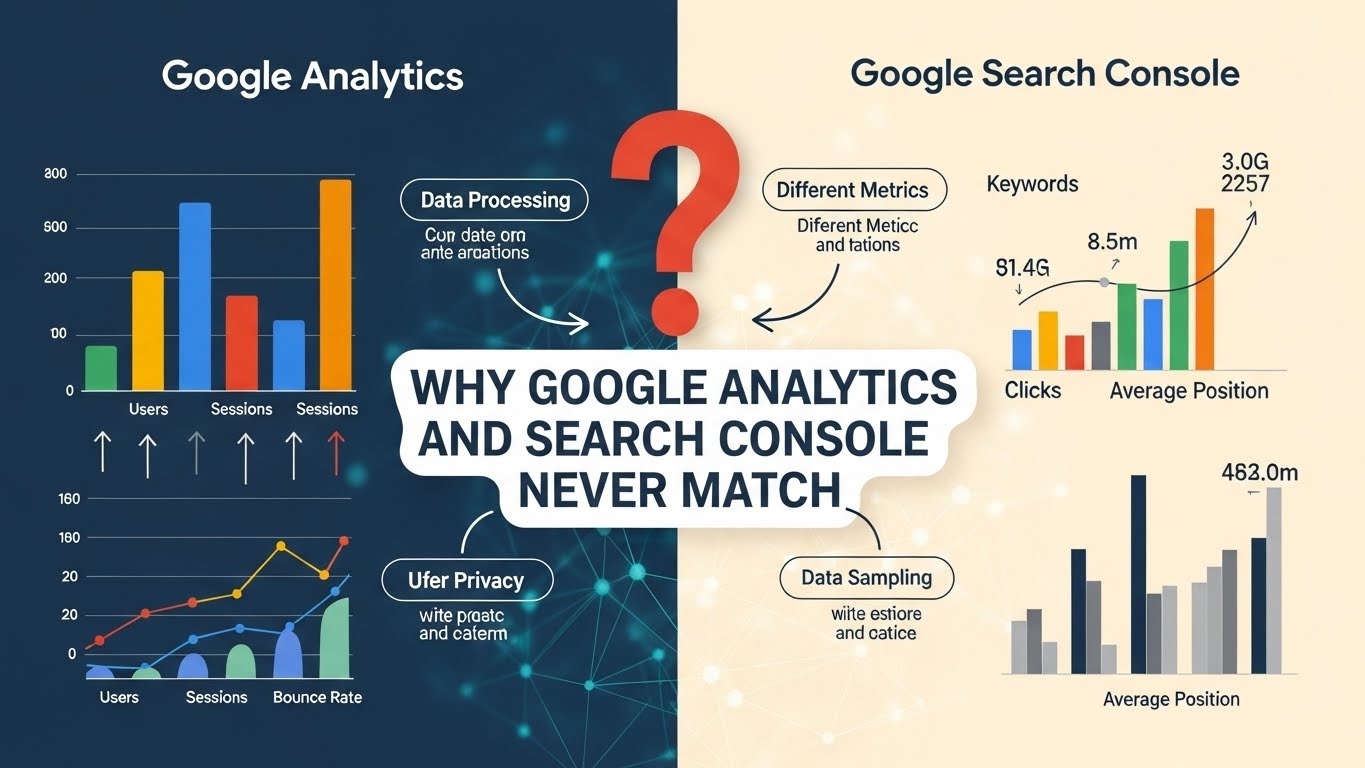
Understanding these differences helps site owners interpret reports correctly and make informed decisions.
- Google Analytics measures user interactions after a visitor lands on your site. This includes page views, clicks, scroll depth, time on page, form submissions, and other engagement metrics.
- Tracking limitations affect data. Users who block cookies, scripts, or decline consent are not recorded. Mobile devices, browser privacy settings, and ad blockers can also reduce Analytics counts, making totals lower than reality.
- Session-based reporting can split visits. Pauses in activity or returning visitors create multiple sessions, which may inflate session counts compared to real continuous browsing.
- Google Search Console measures search visibility before a visitor clicks. Its Data Collection captures impressions, clicks, click-through rate, and average position from Google Search logs.
- All search impressions are recorded, even when visitors do not interact with your site or use tracking blockers, which often leads to higher numbers than Analytics.
- Reports are purpose-specific. Analytics reflects user engagement and behavior, while Search Console reflects how users discover your pages through search.
- Timing differences matter. Analytics data updates in near real-time for sessions, while Search Console data can be delayed by a few days, reflecting aggregated search performance.
- Understanding these differences prevents misinterpretation, ensuring you rely on each tool’s strengths: Analytics for engagement analysis, Search Console for SEO performance and visibility trends.
This approach allows you to use both tools together effectively, interpreting trends rather than forcing numbers to match. Clean, honest Data Collection in both systems provides actionable insights for traffic growth, search optimization, and user experience improvements.
Role of August 2025 Spam Policy
The August 2025 Google spam policy update strengthened the importance of accurate Data Collection across all platforms. Google now filters out artificial signals, forced clicks, and misleading engagement that previously skewed reports. Websites attempting to manipulate traffic or inflate metrics risk losing visibility, as Data Collection is used to validate authentic user behavior and search interactions.
- Search Console now emphasizes genuine search visibility. Impressions, clicks, and ranking data are filtered to reflect only legitimate user interactions. Pages showing suspicious activity may see reduced reporting or flagged performance.
- Google Analytics continues to capture real on-site engagement, but blocked scripts, invalid traffic, and artificial sessions are now weighed more heavily during data validation. Accurate Data Collection ensures reports reflect true user behavior.
- The update encourages site owners to focus on honest tracking, avoiding manipulative tactics that distort Data Collection.
- Maintaining clean Data Collection supports long-term trust with Google, improves the reliability of insights, and strengthens SEO outcomes.
- Proper consent management, accurate tag placement, and consistent monitoring of traffic patterns are now essential for sites aiming to comply with the August 2025 spam policy.
By prioritizing authentic user behavior and accurate Data Collection, site owners can make data-driven decisions, optimize content effectively, and maintain credibility with search engines over time.
Choosing the Right Tool for Each Decision
Understanding which platform to use for specific insights is essential for effective reporting and decision-making. Data Collection differs between Google Analytics and Google Search Console, so each tool serves a unique purpose. Use Google Analytics to study user flow, engagement with content, conversions, and form submissions.
These metrics help you understand how visitors interact with your website once they arrive. Google Search Console, on the other hand, is best for monitoring search performance, ranking changes, click-through rates, and indexing health. Focus on trends over time rather than exact totals, as Data Collection methods differ and raw numbers should not be directly compared.
Common Misunderstandings About Traffic Drops
Traffic fluctuations often appear alarming, but usually trace back to Data Collection changes rather than actual ranking loss. Updates in browser policies, consent changes, or errors in tracking code can cause Analytics to underreport sessions. Meanwhile, Search Console metrics often remain stable, reflecting genuine search impressions and clicks. Misinterpreting these differences can lead to unnecessary panic or misguided optimizations. Using both tools together allows you to separate true traffic issues from Data Collection artifacts.
Practical Steps for Strong Data Collection
Maintaining accurate and reliable Data Collection is critical for effective site analysis and reporting. Key steps include:
- Review and verify the tracking code on every page to ensure no gaps.
- Confirm Search Console ownership for complete access to search performance data.
- Check consent settings after website updates or redesigns to avoid blocked data.
- Monitor weekly trends instead of reacting to daily swings for more stable insights.
- Align reports with clear business objectives, ensuring metrics reflect actionable goals.
Following these steps ensures your Data Collection remains clean, reliable, and fully aligned with Google's updated core and spam policies. Accurate reporting allows for smarter decisions, better SEO performance, and stronger trust in your data.
Google Analytics vs Google Search Console Comparison Table
Below is a comparison table for better understanding.
Expert View Shared on LinkedIn
A recent LinkedIn discussion highlights why many teams struggle when trying to force Google Analytics and Google Search Console numbers to match. The post emphasizes that each tool serves a different purpose, and Data Collection methods differ, so comparing raw numbers often leads to misinterpretation. Instead, the focus should be on understanding intent, tracking trends, and making informed decisions based on each platform’s strengths.
Key lessons from the discussion include:
- Respect each platform’s role – Analytics tracks on-site behavior, while Search Console measures search visibility. Treat them as complementary tools rather than identical sources.
- Study movement over time – Focus on trends and patterns instead of daily or raw totals. This helps identify real performance changes and prevents overreaction to temporary fluctuations.
- Connect reports with real goals – Align insights from both tools with business objectives, SEO strategy, and content priorities to ensure actionable decisions.
Post Link:
https://www.linkedin.com/feed/update/urn:li:activity:7406940670642335744/
Final Thoughts
Data Collection clarifies why Google Analytics and Google Search Console report different numbers and helps site owners interpret data accurately. Maintaining a clean setup, performing honest reviews, and focusing on trend-based analysis ensures reports reflect real user behavior and search visibility.
Trusting Data Collection allows you to make smarter decisions, optimize user experience, and strengthen SEO performance. This approach supports consistent growth and long-term success across both the USA and UK markets, building reliability in every strategy.





.svg)
.svg)
.svg)
.svg)
